Viewing and Downloading Invoices
Invoices are billing statements for your account. They summarize the orders fulfilled during a billing period and the amounts owed.
Viewing Invoices
- Click Invoices in the sidebar under Commerce.
- You will see summary cards and an invoice table.
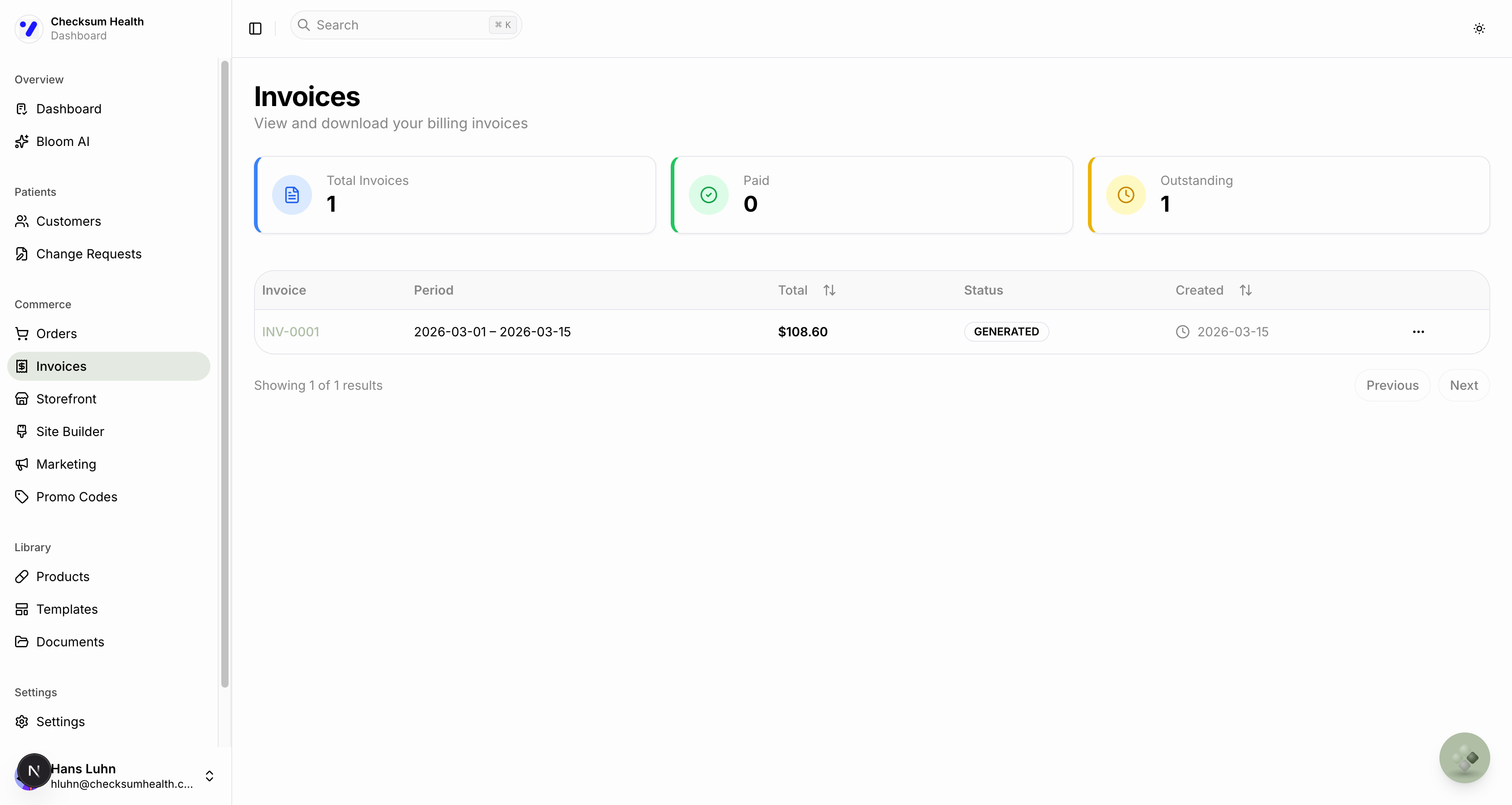
Summary Cards
- Total Invoices — Total number of invoices generated.
- Paid — Invoices that have been paid.
- Outstanding — Invoices that are pending payment.
Invoice Table
| Column | Description |
|---|---|
| Invoice | Invoice number (e.g., INV-0001). |
| Period | The billing period covered (start date – end date). |
| Total | Total amount. |
| Status | Current invoice status. |
| Created | Date the invoice was generated. |
Invoice Statuses
| Status | Description |
|---|---|
| GENERATED | Invoice has been created. |
| SENT | Invoice has been sent to you. |
| VIEWED | You have opened the invoice. |
| PAID | Payment has been received. |
Downloading an Invoice
- Click the three-dot menu (⋮) on the invoice row.
- Select Download PDF to save a copy to your computer.
You can also click the invoice row to open its detail page and download from there.