Setting Up Your Storefront
Your storefront is a customer-facing online catalog where patients can browse your supplement offerings and make purchases directly — without you needing to create a protocol first.
Enabling the Storefront
- Go to Settings > Storefront in the sidebar.
- Toggle the storefront on.
- Set your storefront slug (the URL path for your store, e.g.,
checksumhealth).
Once enabled, a Live badge appears on the Storefront page and the Storefront link appears in your sidebar navigation.
Storefront Page
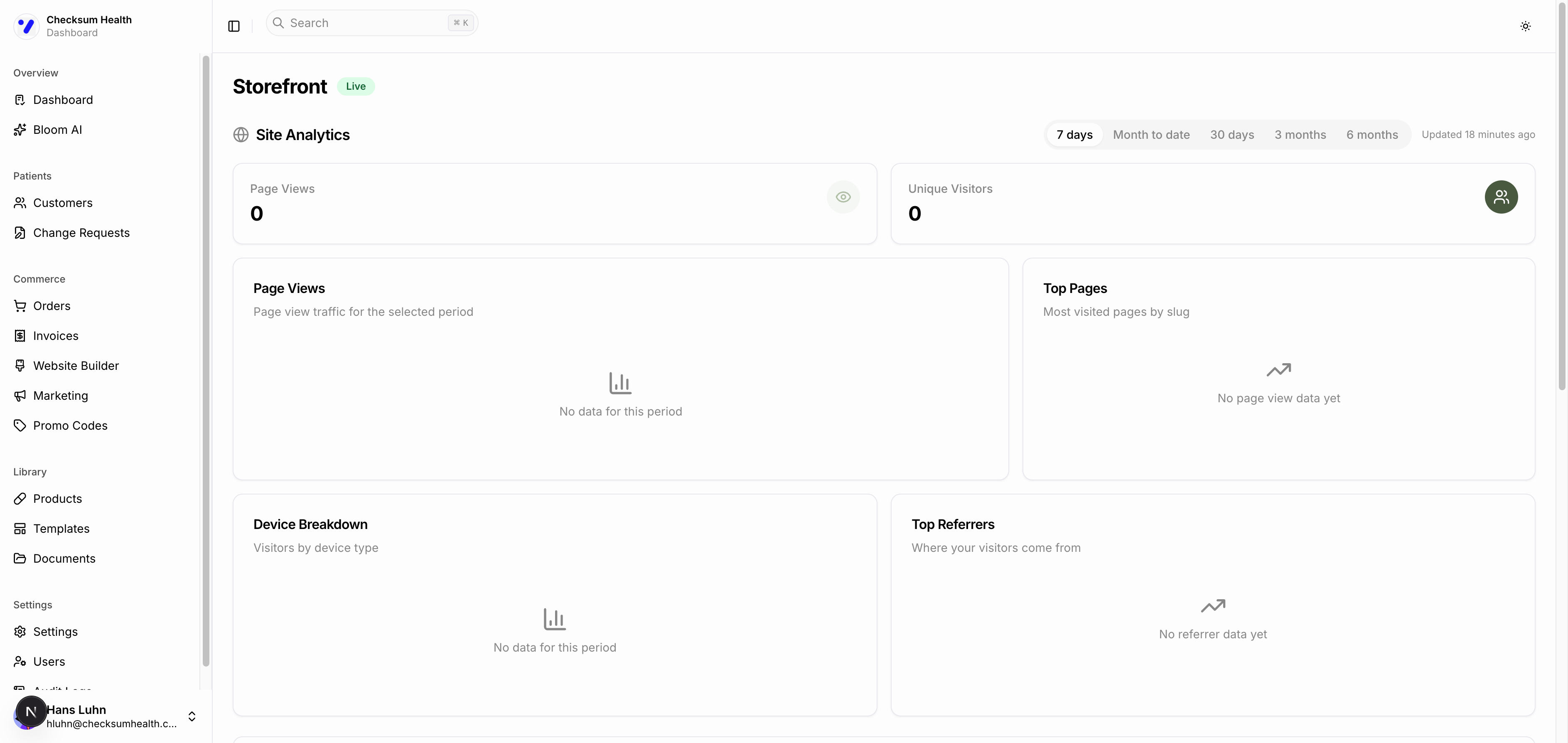
The Storefront page has three main sections:
Site Analytics
View traffic data for your storefront:
- Page Views and Unique Visitors summary cards.
- Page Views chart showing traffic over time.
- Top Pages, Device Breakdown, and Top Referrers tables.
- Filter by time range: 7 days, Month to date, 30 days, 3 months, or 6 months.
Storefront Customer Discount
A slider to set the discount percentage off MSRP for all storefront purchases. This is separate from the discount you set for individual protocol customers.
Featured Products and Bundles
Manage which products appear prominently in your storefront. See Featured Products and Bundles for details.