Working with Protocol Templates
Protocol templates are reusable blueprints for supplement protocols. Instead of building protocols from scratch every time, you can save common product combinations as templates and apply them to patients quickly.
Viewing Templates
- Click Templates in the sidebar under Library.
- You will see two tabs:
- My Templates — Templates you have created.
- DailyStak Library — Pre-built templates from DailyStak.
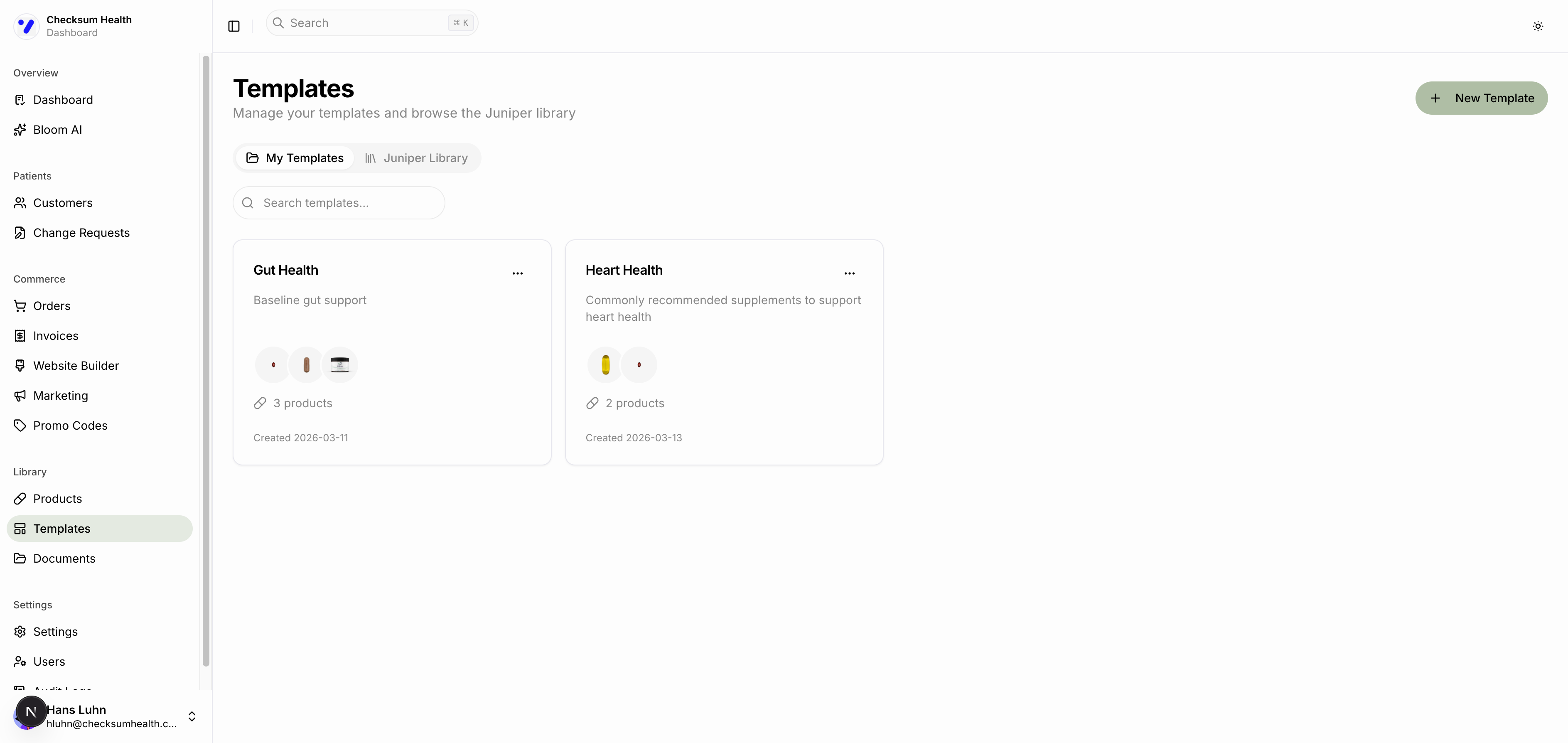
Each template shows its name, description, product thumbnails, product count, and the date it was created.
Creating a Template
- Click the New Template button.
- Enter a name and optional description for the template.
- Add products from the catalog:
- Search for products by name.
- Set the quantity for each product.
- Configure the dosing schedule (Morning, Afternoon, Evening, Sleep).
- Click Save Template.
Using a Template
When creating a protocol for a patient, you can start from a template instead of building from scratch. Select a template, and its products and dosing instructions will be pre-filled. You can then customize it for the specific patient.
Managing Templates
From the three-dot menu on any template, you can:
- Edit — Update products, quantities, or dosing.
- Delete — Remove the template.
DailyStak Library
The DailyStak Library tab contains templates created by DailyStak for common supplement protocols. You can use these as-is or as a starting point for your own templates.
Templates can also be published as bundles in your storefront, allowing patients to purchase them directly. See Featured Products and Bundles.